 Pro
NotchNook Pro
Liquid Glass, AI agents and Live Activities in your Mac’s notch.
 lo.cafe
ProNew
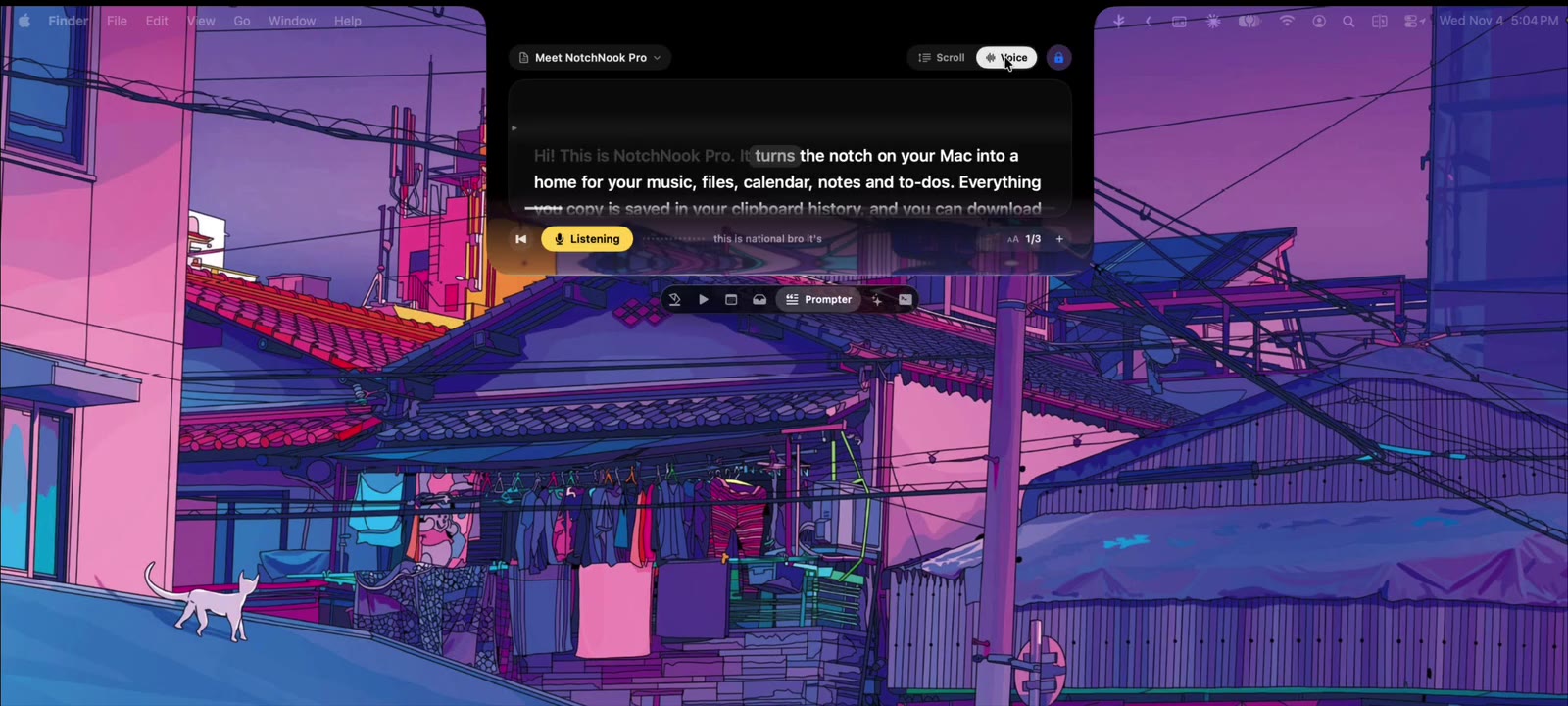
Your Mac’s notch, made useful. Music, calendar, files and your AI agents, one glance up, with Liquid Glass and Live Activities.
30+ features around the notch, one glance up.
Controls, artwork and synced lyrics, right under the camera.
Your next meeting, with join buttons for Meet, Zoom, Teams and Webex.
The Tray, Clipboard History, Pocket, AirDrop and a file converter.
Approve Claude Code and Codex from the notch, without switching windows.
Pro is NotchNook rebuilt from the ground up. Classic is the original, and it also runs on Intel Macs.
ProLiquid Glass, AI agents and Live Activities in your Mac’s notch.
 The original
Music, calendar, notes and files in your Mac’s notch.
| Feature | CLASSIC | PRO |
|---|---|---|
| Song lyrics | — | ✓ |
| Pomodoro and to-dos | — | ✓ |
| File converter: MP4, PDF, TXT and more | — | ✓ |
| Camera mirror | ✓ | ✓ |
| AirDrop from the Tray | ✓ | ✓ |
| 48-hour free trial | ✓ | ✓ |
| Up to 2 Macs per license | ✓ | ✓ |
| Full refund within 7 days | ✓ | ✓ |
| Updates included | ✓ | ✓ |
| Runs on Intel Macs | ✓ | — |
Pro needs a Mac with Apple silicon. Classic also runs on Intel Macs. Both need macOS 14.6 or later.
Yes. Every feature is free for 48 hours, and no card is required.
NotchNook needs macOS 14.6 or later. Pro runs on Apple silicon; Classic runs on Apple silicon and Intel. Both work with or without a notch, including on external displays.
Music controls, your calendar with join buttons for Meet, Zoom, Teams and Webex, notes, to-dos, timers, a camera mirror and your Shortcuts. Plus the Tray: drop files on the notch to keep them close or send them with AirDrop.
One license covers 2 Macs. Choose a lifetime license or a monthly plan, which you can cancel anytime in the app.
Our team helps with the app, purchases and licenses.